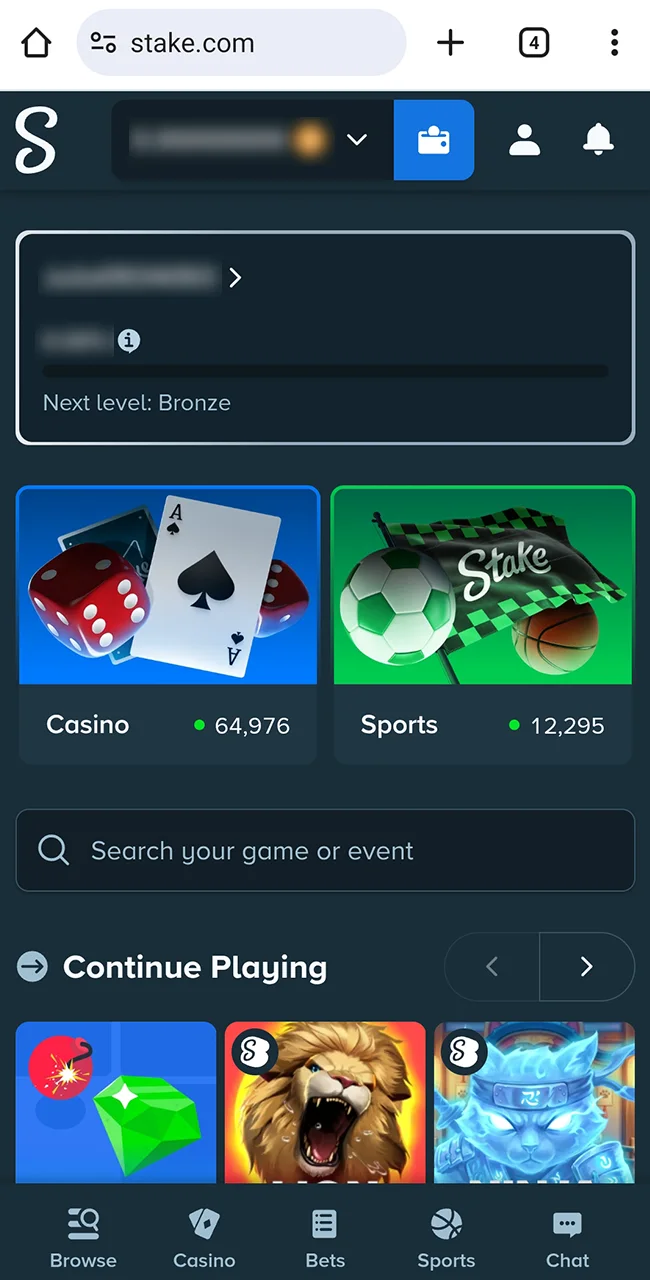
Open Stake
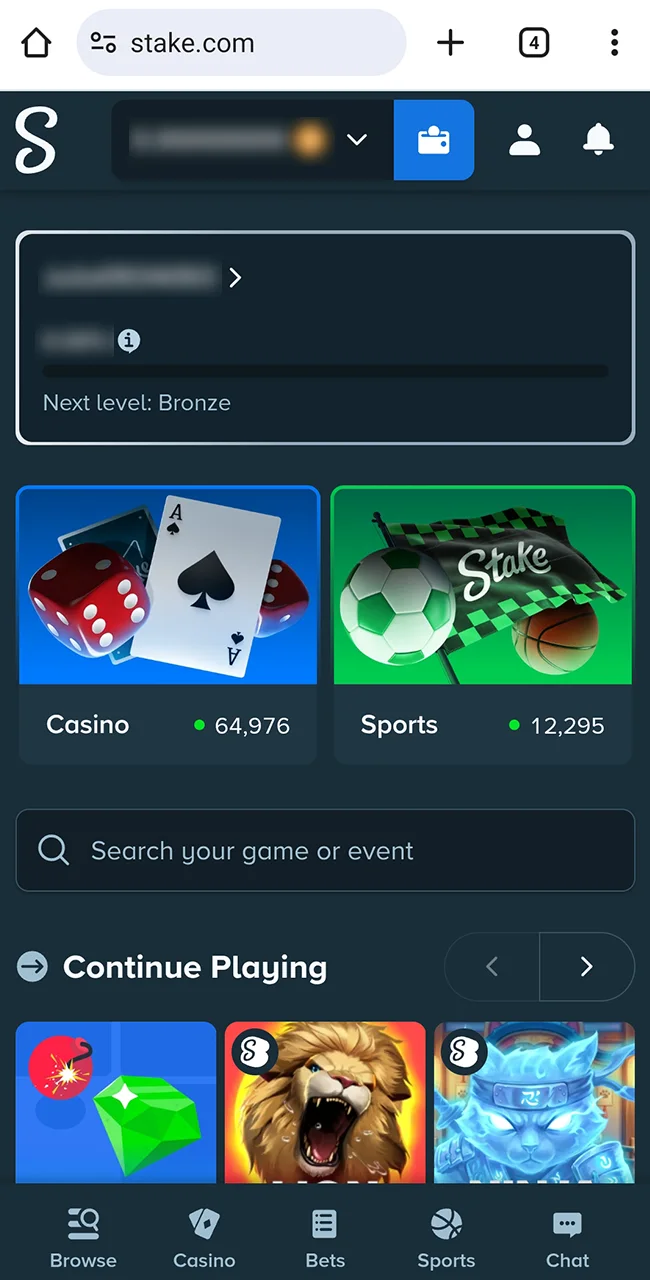
Open our Stake site in your Chrome browser.
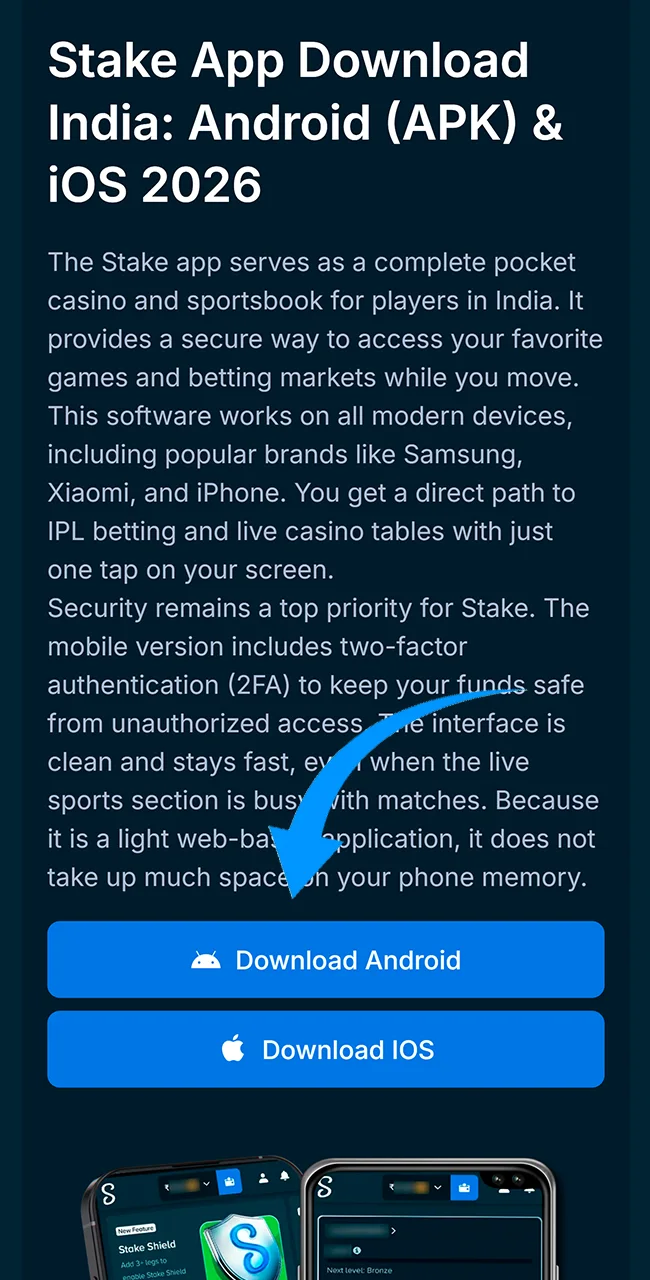
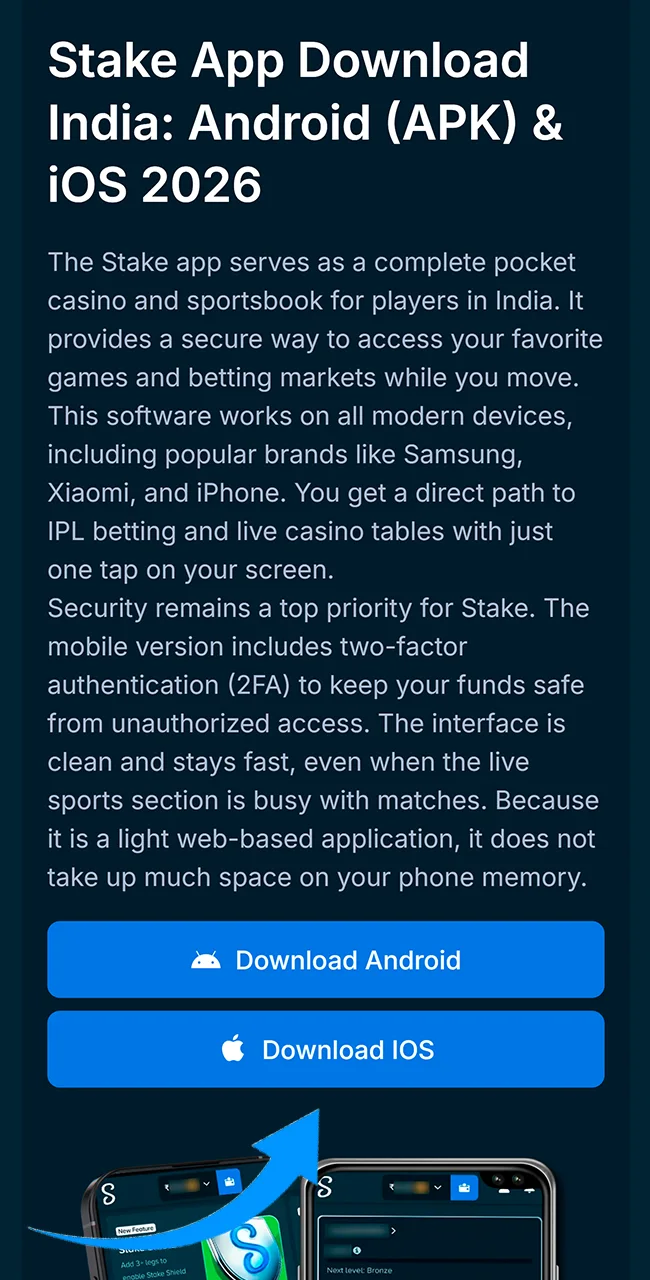
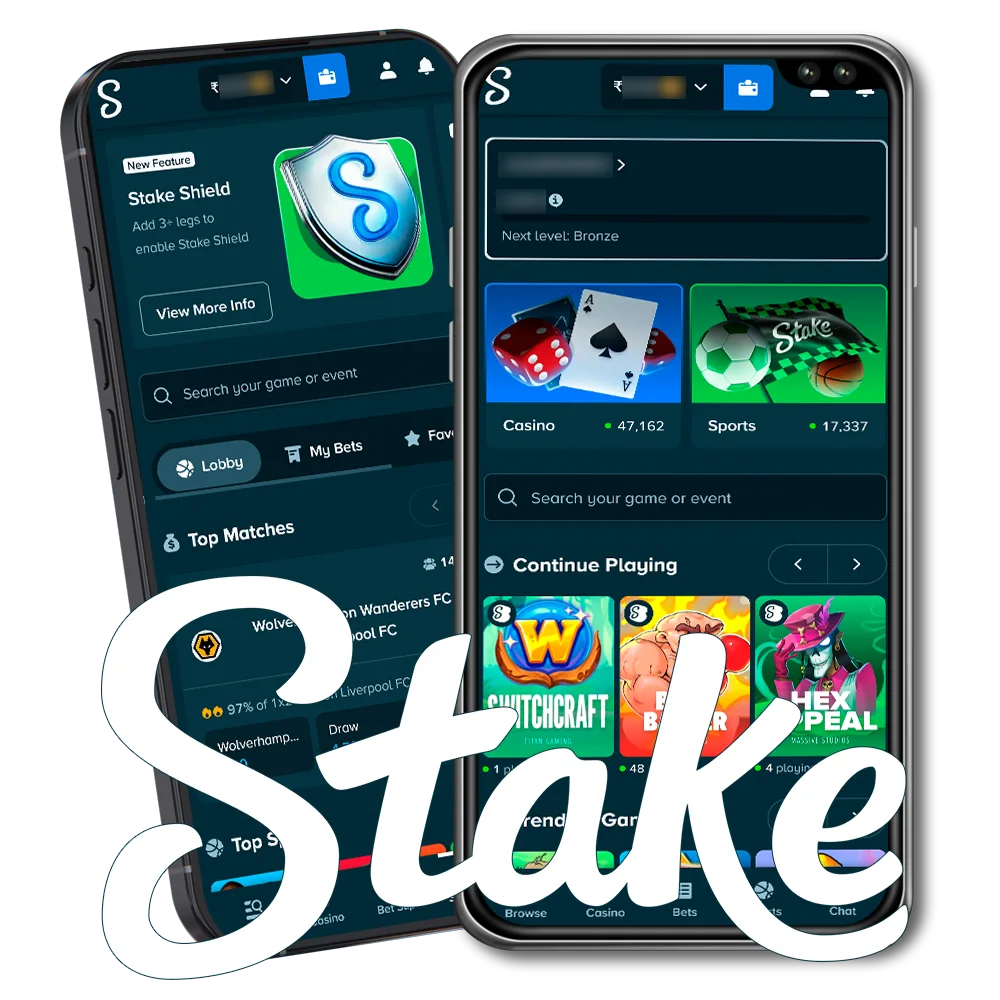
The Stake app serves as a complete pocket casino and sportsbook for players in India. It provides a secure way to access your favorite games and betting markets while you move. This software works on all modern devices, including popular brands like Samsung, Xiaomi, and iPhone. You get a direct path to IPL betting and live casino tables with just one tap on your screen.
Security remains a top priority for Stake. The mobile version includes two-factor authentication (2FA) to keep your funds safe from unauthorized access. The interface is clean and stays fast, even when the live sports section is busy with matches. Because it is a light web-based application, it does not take up much space on your phone memory.
Most mobile users in India prefer Android devices. To get the best results, you have two main choices. You can use the recommended PWA method or find a download link for a manual file installation. Both paths offer a stable connection to the games on the Stake.
This is the fastest and safest way to use the Stake betting app on your phone.
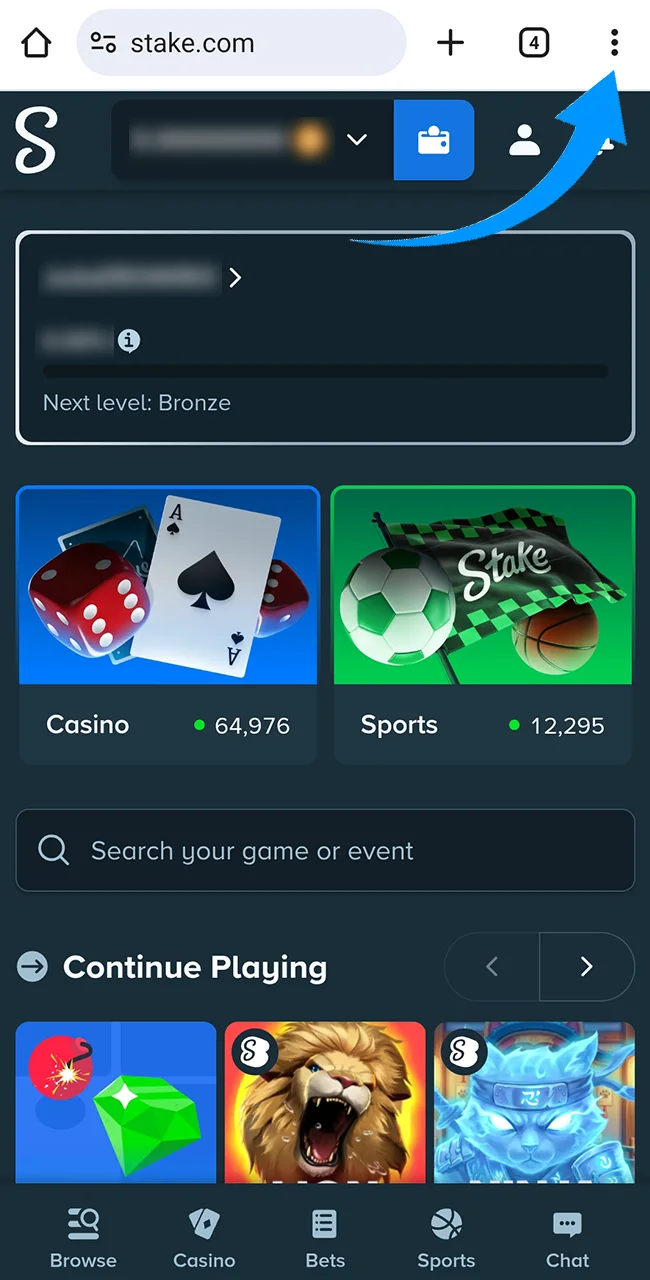
Open our Stake site in your Chrome browser.
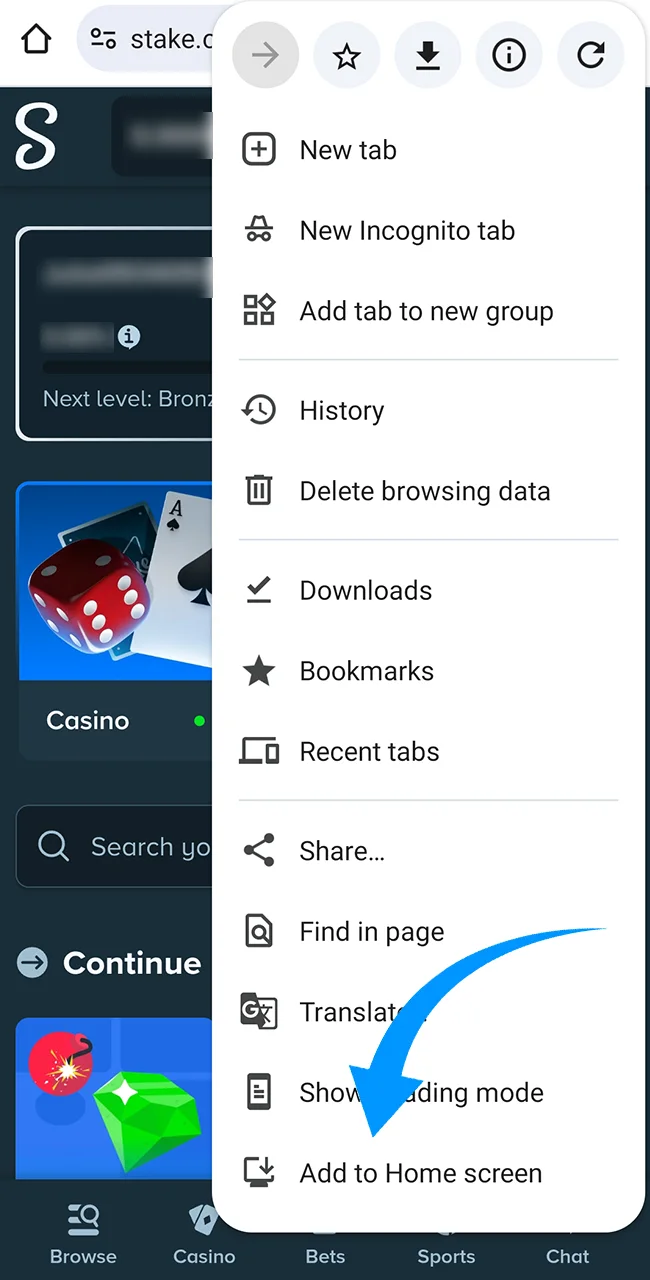
Tap the “Menu” button, which looks like three dots in the corner.
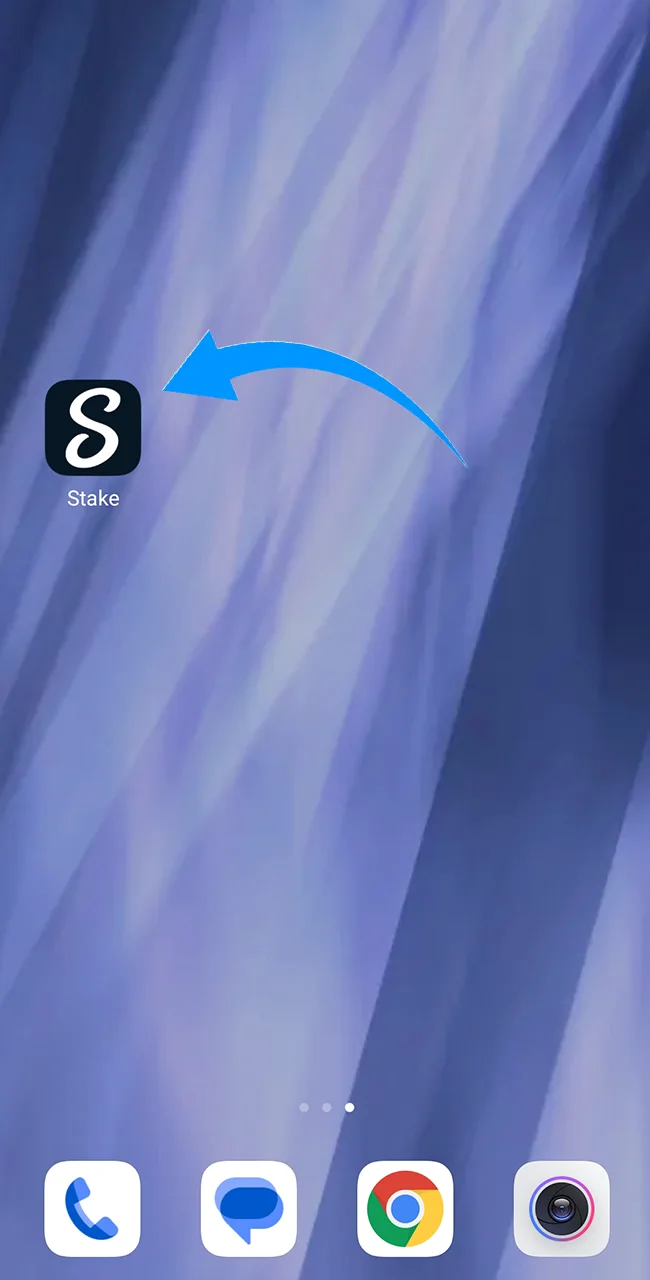
Select the option that says “Install App” or “Add to Home Screen.”
The main benefit here is that you always have the latest version. You never need to manually update the software.
If you prefer a manual installation, you can use the official Stake app download link for the Android file. This path gives you a standalone version of the software on your device. Follow these steps to install the APK safely:
Visit the official site and find the download section.
Tap the link to save the file to your phone.
Open your device settings and allow “Install from Unknown Sources.”
Run the file and confirm the setup.
Warning: Never download files from forums or third-party stores. These files often hide malware designed to steal your crypto keys or personal info. Only trust the official source.
Apple has strict rules for gambling sites, so you will not find the app in the official store. iPhone users must use the PWA method, which works perfectly on Safari.
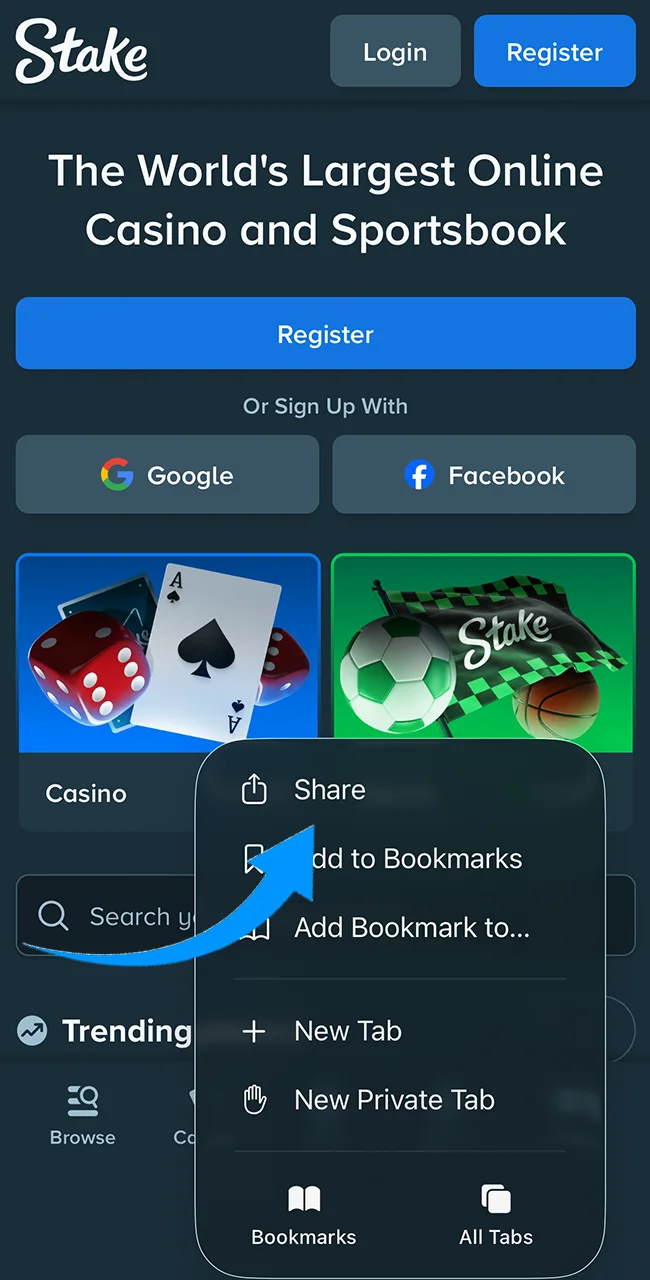
Open our Stake website in Safari.
Tap the “Share” icon at the bottom of the screen (the square with an arrow).
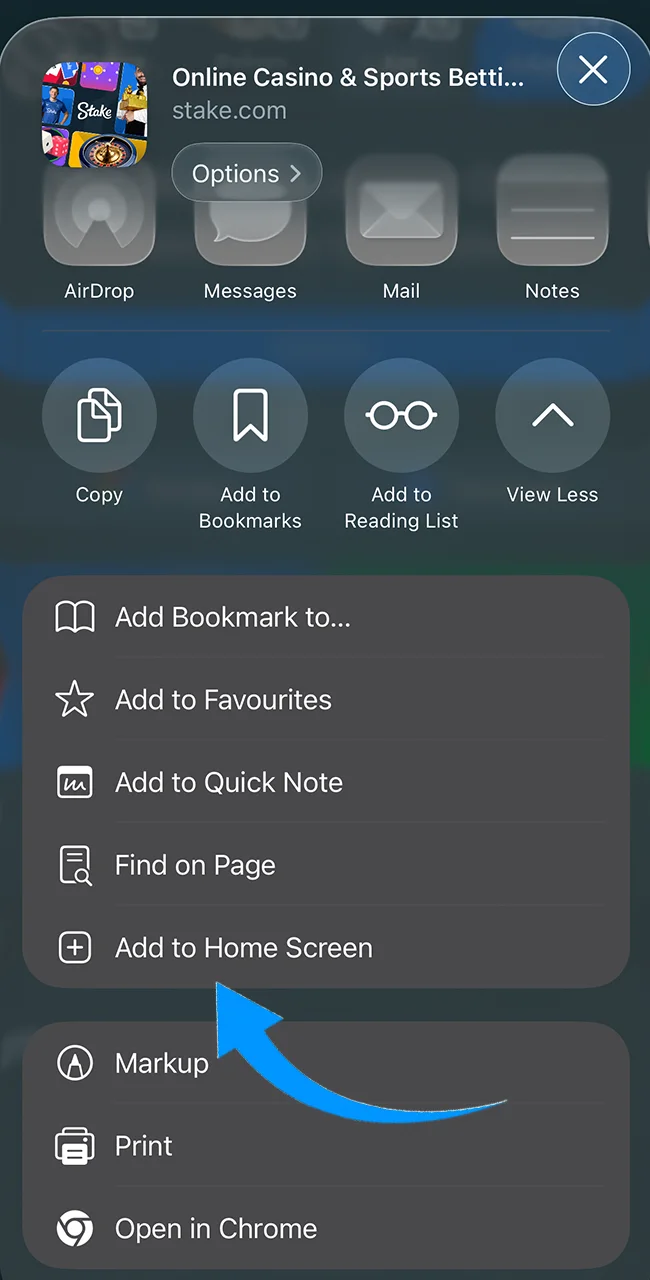
Scroll down and tap “Add to Home Screen.”
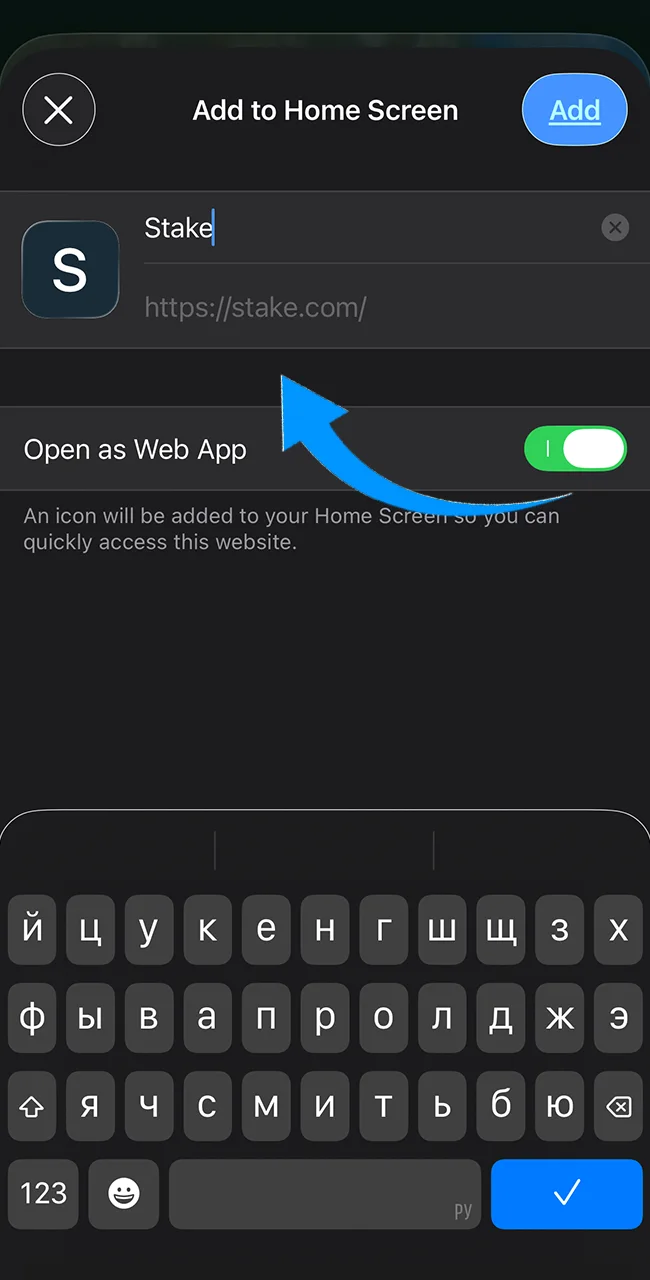
Confirm the name and tap “Add” in the top corner.
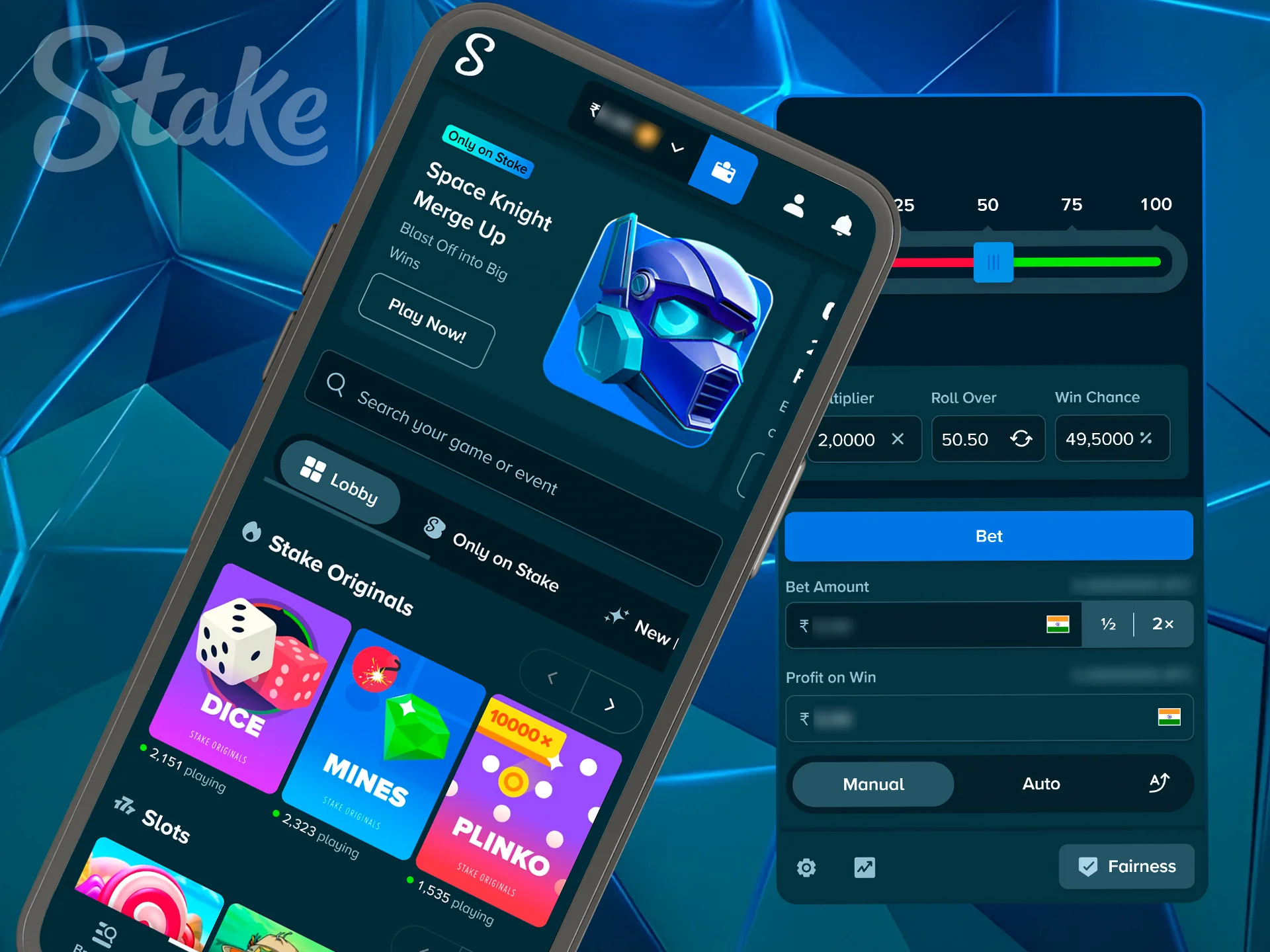
The mobile version of the Stake app brings the full power of the site to your palm. It is built for speed and ease, ensuring that you never miss a bet. With a focus on simple navigation and fast loading times, playing on your phone is often more efficient than using a computer.
Every game in the Stake Originals list is built specifically for a vertical screen. In Portrait Mode, the buttons are large and stay within easy reach of your thumb. This layout is perfect when you want to play with one hand while you move through the city or sit in transport. You get a full view of the action without needing to rotate your phone or use both hands to navigate.
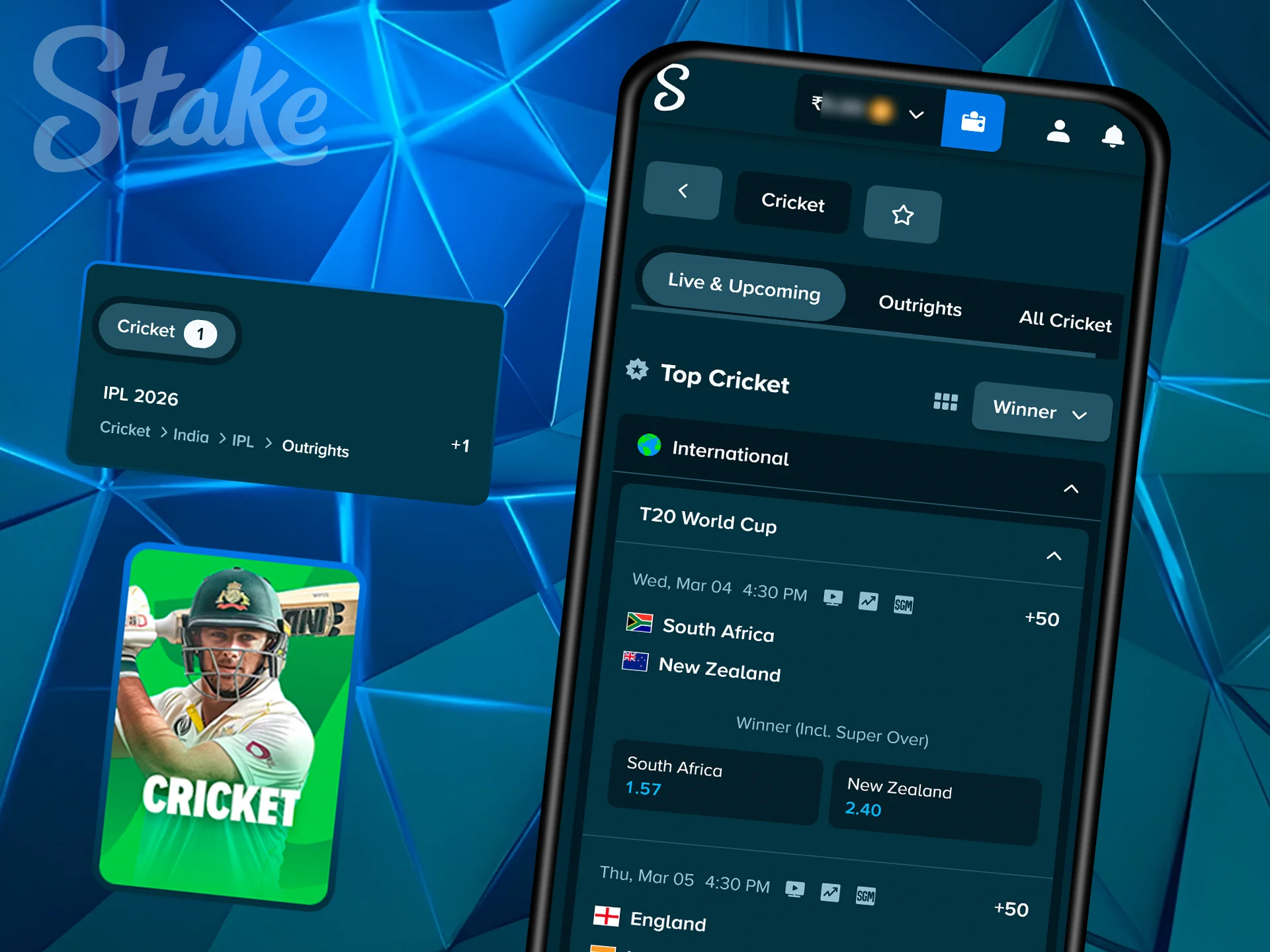
Cricket fans can keep every match in their pocket with the Stake mobile software. You can watch live IPL streams in HD quality right inside the application while you monitor the odds. The “One-tap” betting feature is a major advantage during live games, as it lets you place a wager in a single second. This speed is vital when the match situation changes suddenly and you need to lock in a price before the market closes.
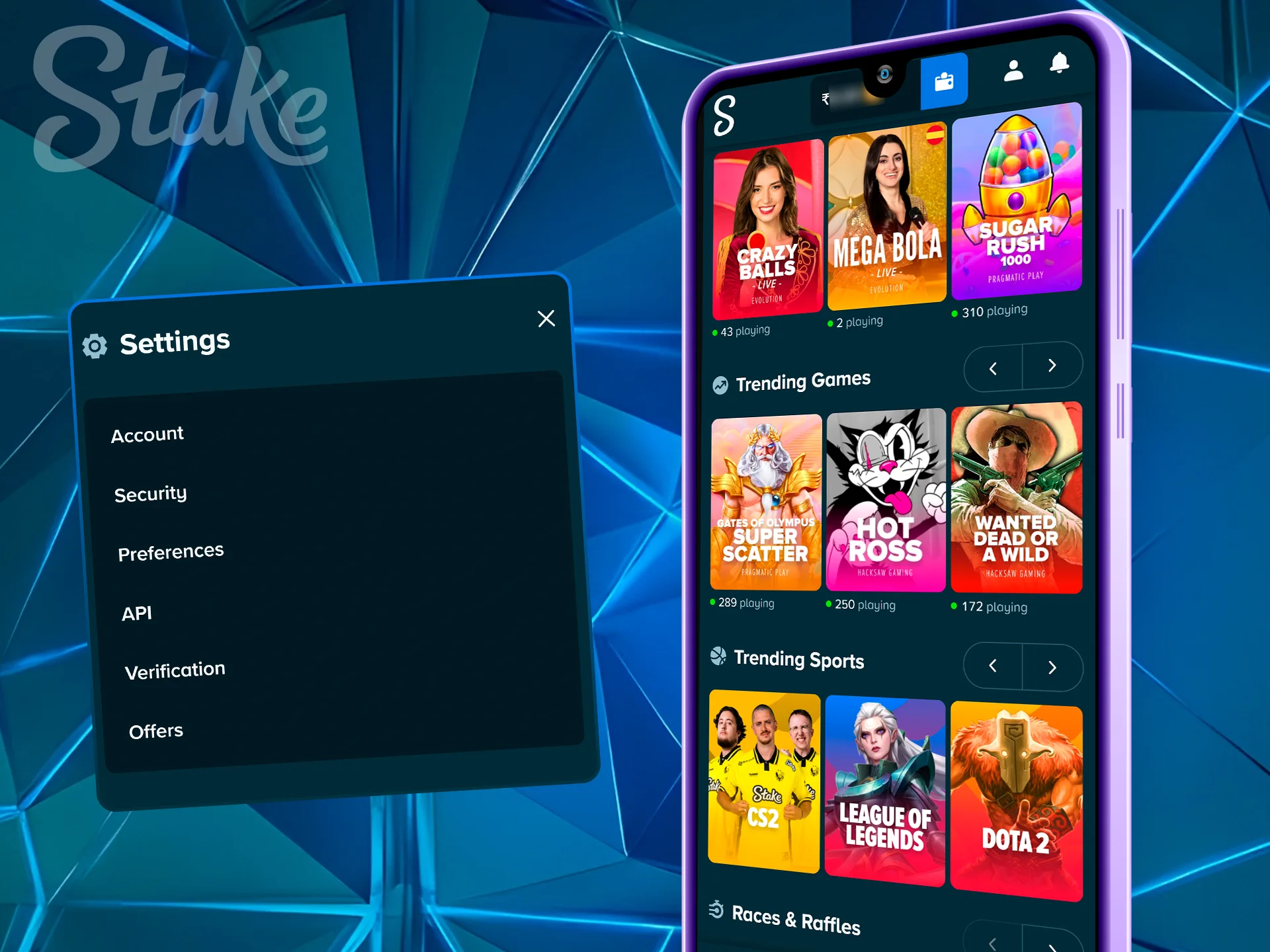
Your account stays safe behind strong layers of protection. You can link Google Authenticator to your profile for two-factor authentication. This ensures that only you can access your funds. For Apple users, the Stake app supports FaceID. This allows for a quick and secure login with just a glance. These tools provide peace of mind and keep your balance secure from unauthorized entry while you play on the go.
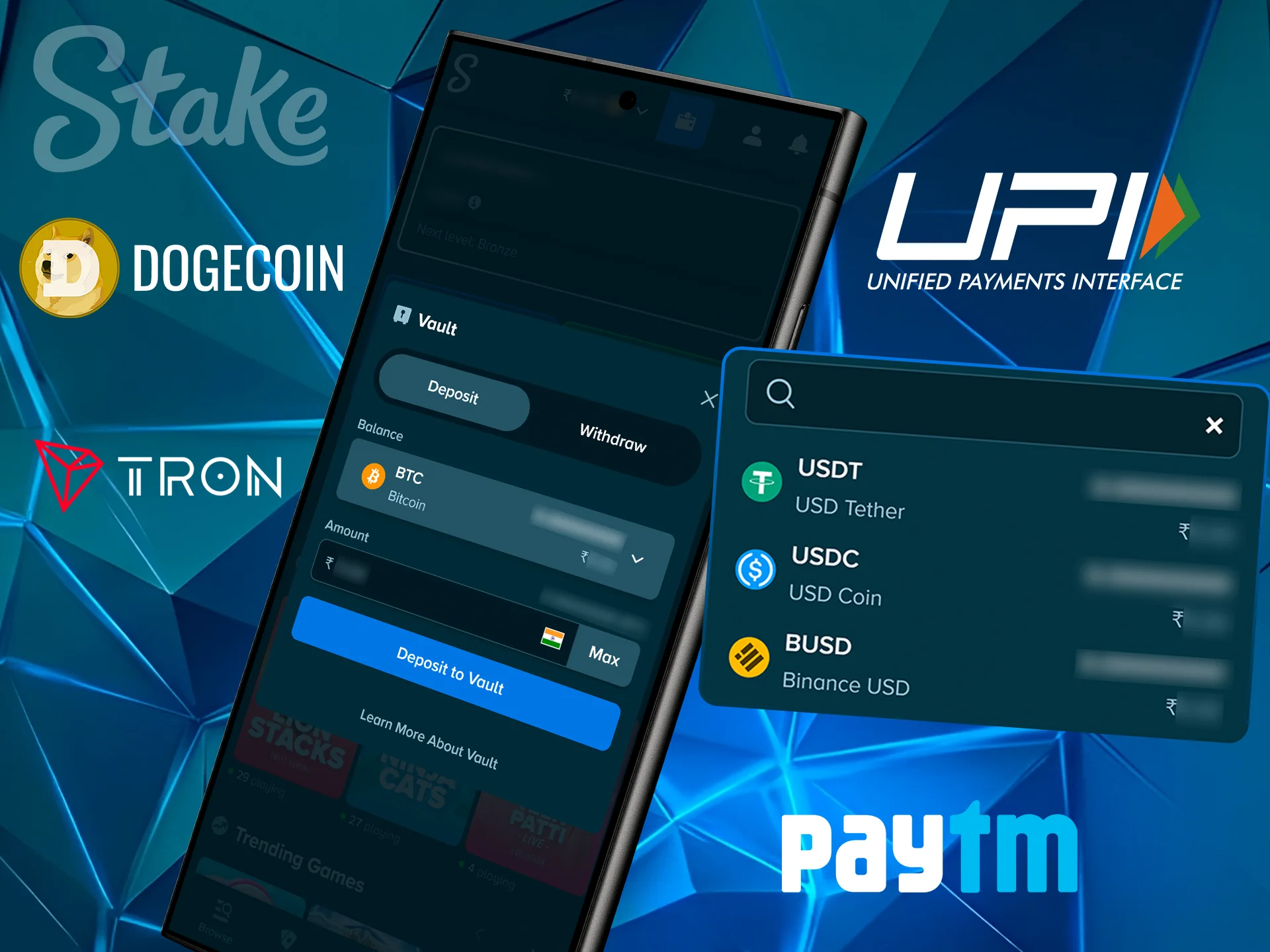
The cashier in the Stake is built for mobile speed, making it simple to manage your money. You can add funds using local Indian methods or digital coins with just a few taps. Follow these steps to deposit:
The software is very light because it operates as a web-based Stake application. This means it does not demand heavy resources from your hardware or drain your battery quickly. It runs well even on budget smartphones with limited memory.
| Feature | Requirement |
|---|---|
| RAM | 2GB or higher |
| Storage Space | Less than 5MB |
| Operating System | Android 8.0+ / iOS 13.0+ |
| Network | Stable 4G, 5G, or WiFi |
Most technical glitches have simple fixes that take less than a minute. If you face a hurdle, check this list to get back to your games. Our Stake technical support is always in touch and ready to help solve any problem.
| Problem | Solution |
|---|---|
| App not loading | Clear your Chrome or Safari browser cache and refresh. |
| Geo-block error | Use an official mirror link or a VPN if your provider restricts access. |
| Login failed | Verify your 2FA code or reset your password if you forgot it. |
Yes. The PWA version uses SSL encryption to protect your data and money.
Yes. You have full access to the Stake cashier. You can send your winnings to a crypto wallet or a bank account.
The main interface is very light. However, watching live IPL streams will use more of your data plan.
Google Play does not allow real-money gambling apps in India. You must use the official site for the install.
Updated:
Comments